


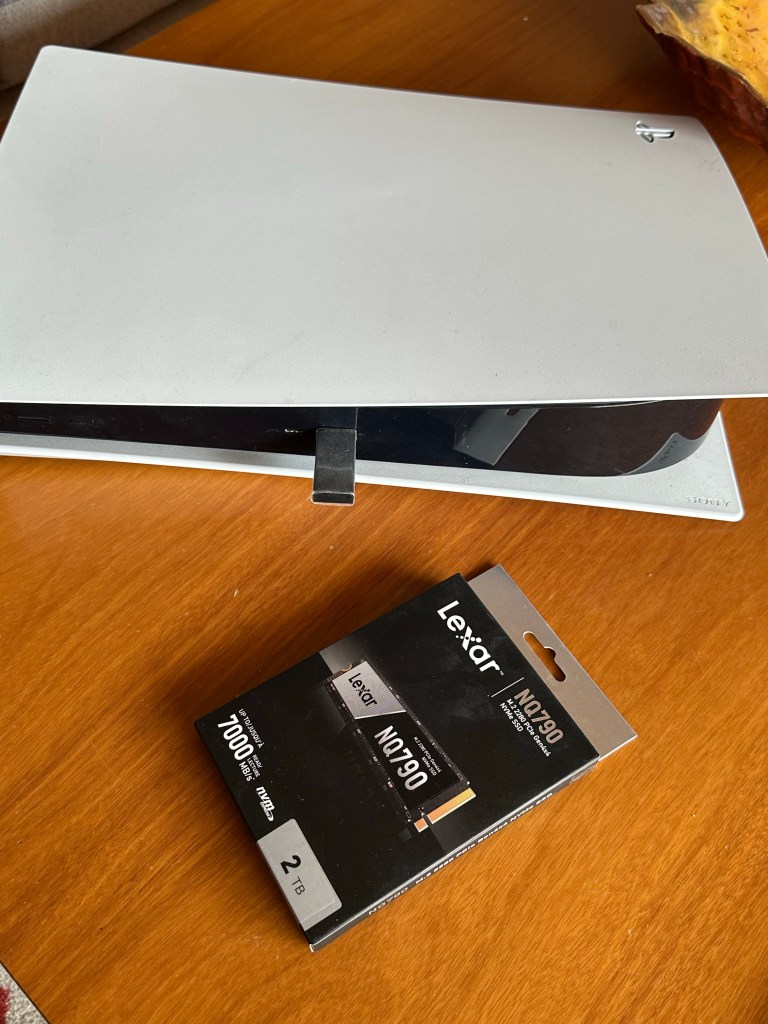
- Check Compatibility 🔍 – Make sure the Lexar NQ790 SSD is compatible with your PS5. 2TB for PS5
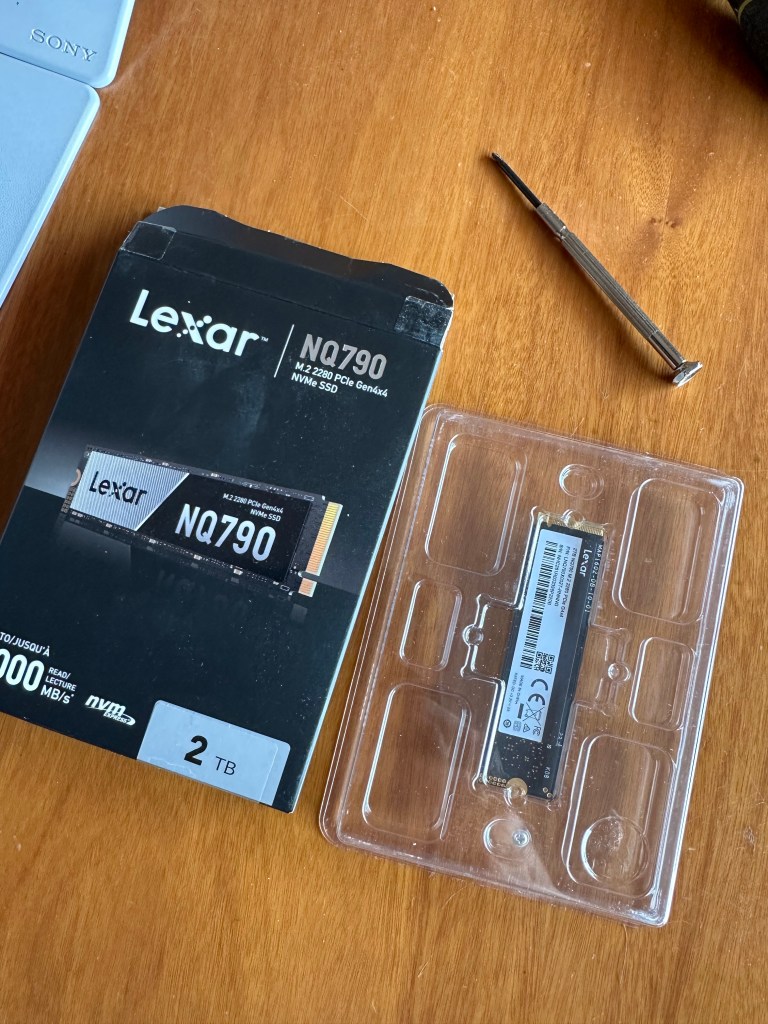
- Prepare Your Space 🛠️ – Find a clean, well-lit area to work and grab a Phillips screwdriver.
- Power Down 🔌 – Turn off your PS5 and disconnect all cables.
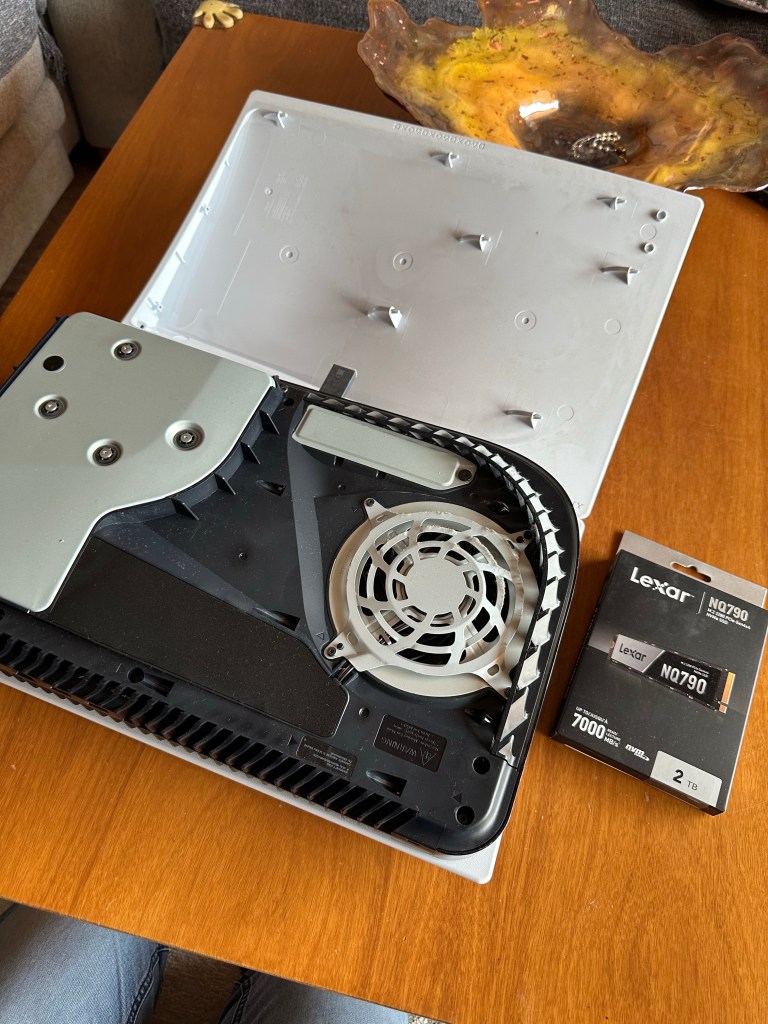
- Remove the Cover 🎮 – Slide off the PS5’s outer cover to reveal the expansion slot.
- Static Safety ⚡ – Touch a grounded metal object to discharge any static electricity.
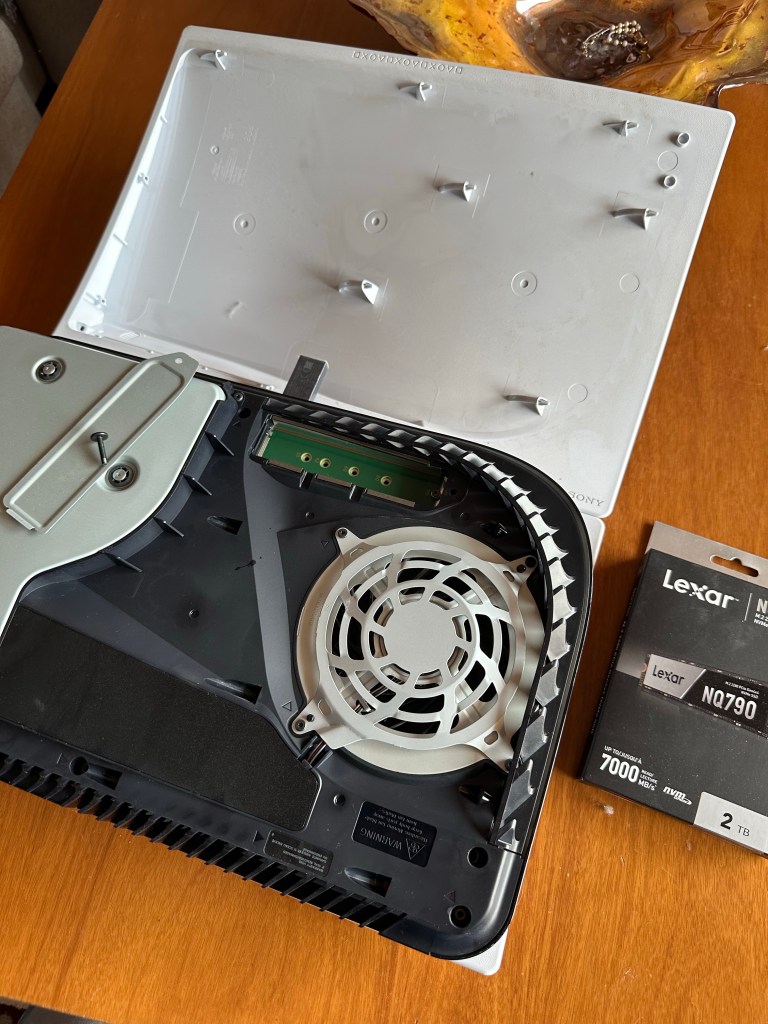
- Open the Slot 🗝️ – Unscrew and take off the expansion slot’s cover.
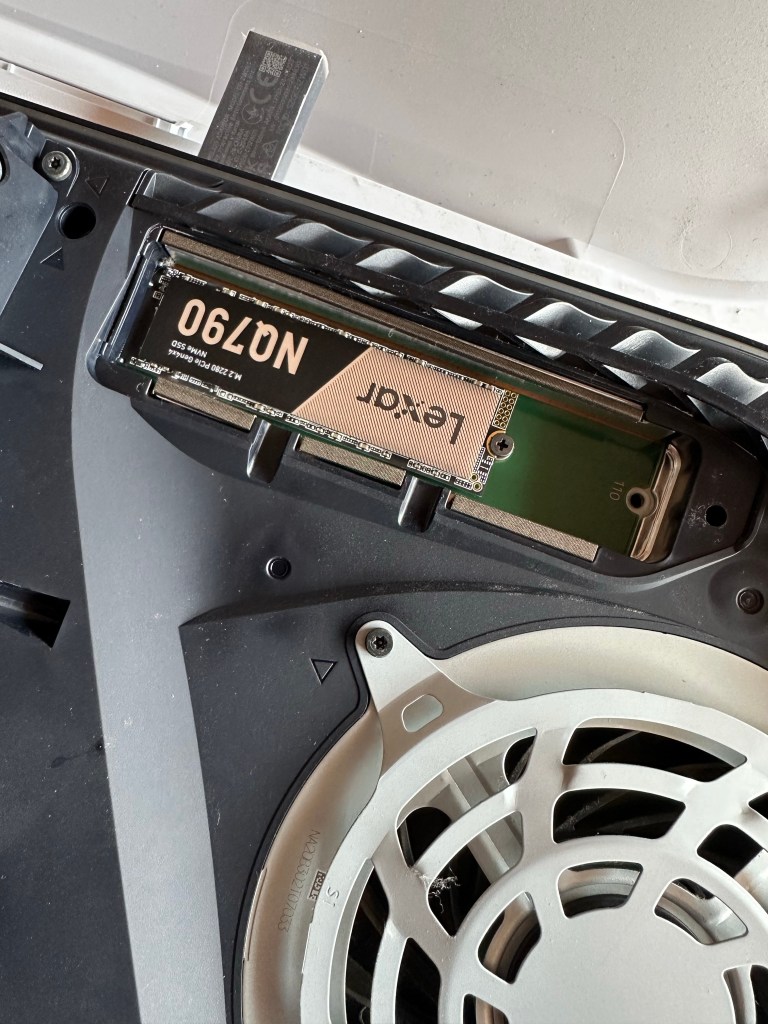
- Insert the SSD 🧩 – Carefully align and insert the SSD into the slot at a slight angle.
- Secure the SSD 🛡️ – Press down and screw in the SSD to lock it in place.
- Close the Slot 🔒 – Replace and screw the expansion slot cover back on.
- Reattach the Cover 🎮 – Slide the PS5 cover back into its original position.
- Power Up & Format 💾 – Turn on your PS5 and follow the prompts to format the new SSD.
🌟 Now, enjoy the expanded storage for your gaming adventures! 🌟
Amazon search: 2TB for PS5



 1974SolidSnake
Deja un comentario